Planning
The week around the match.
Plan training sessions and matches with date, time, microcycle context, call-up and participation.
Every session
Every session, in context.
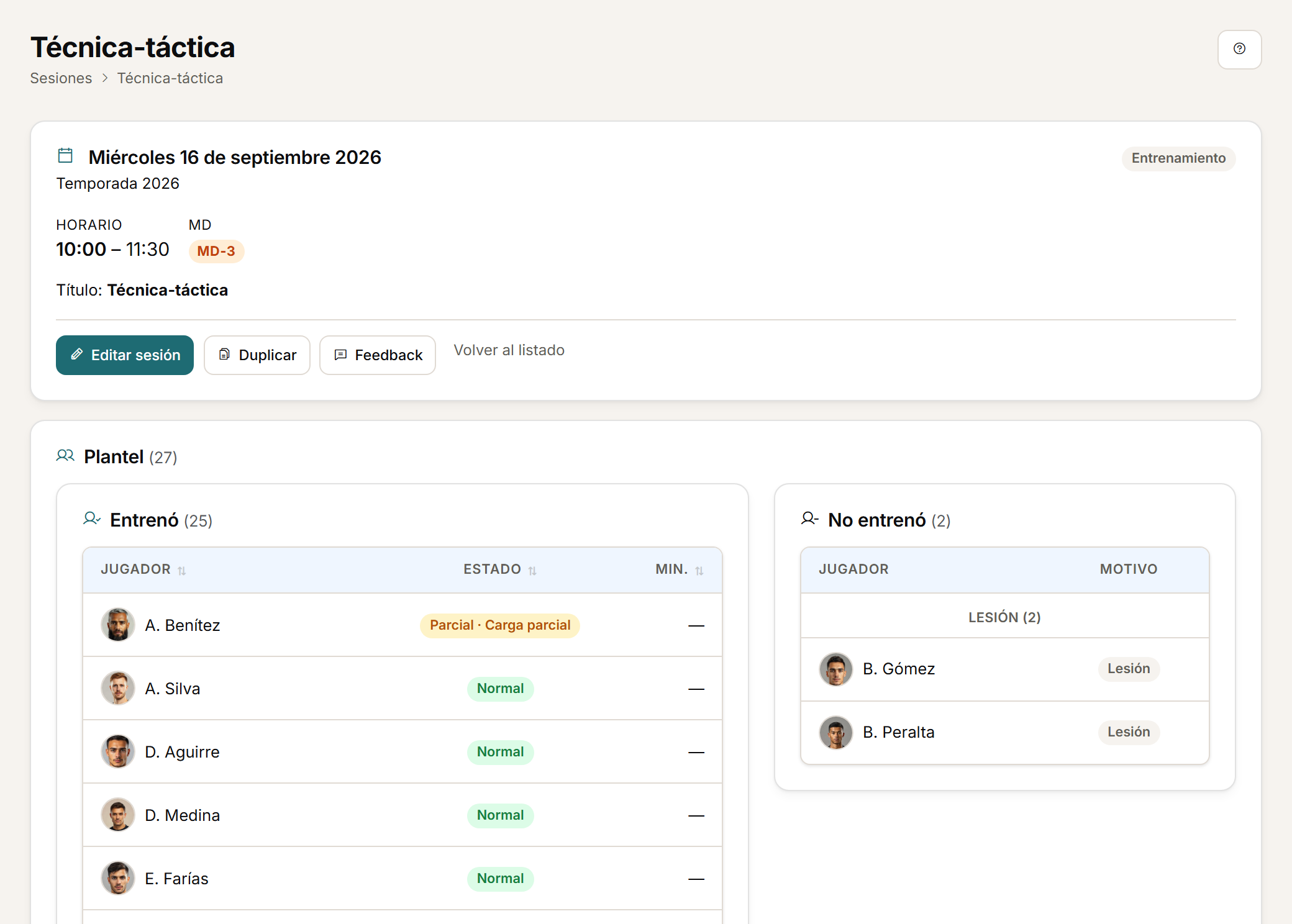
A training session or a match is not just a date: it carries the time, the microcycle day and who was there. That context is what makes load comparable.
- Plan training sessions and matches with date, time and microcycle context.
- Call-up and participation are recorded for every session.
Drills
Drills and actual participants.
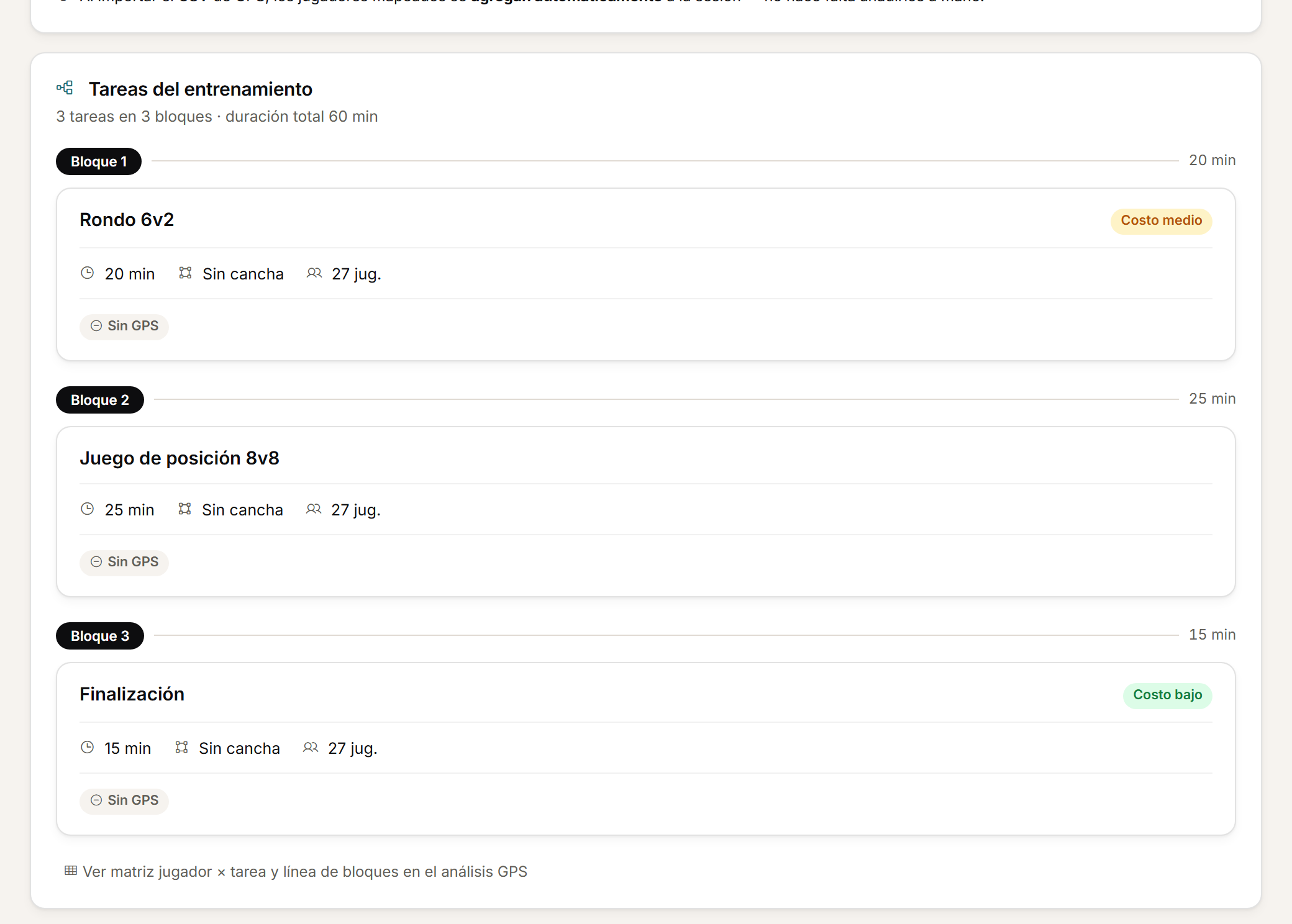
Every session is built in blocks, and each block has its own participants: not everyone always trains the same thing.
- Split a session into drills or blocks and record the actual participants for each part.
Templates
A drill library.
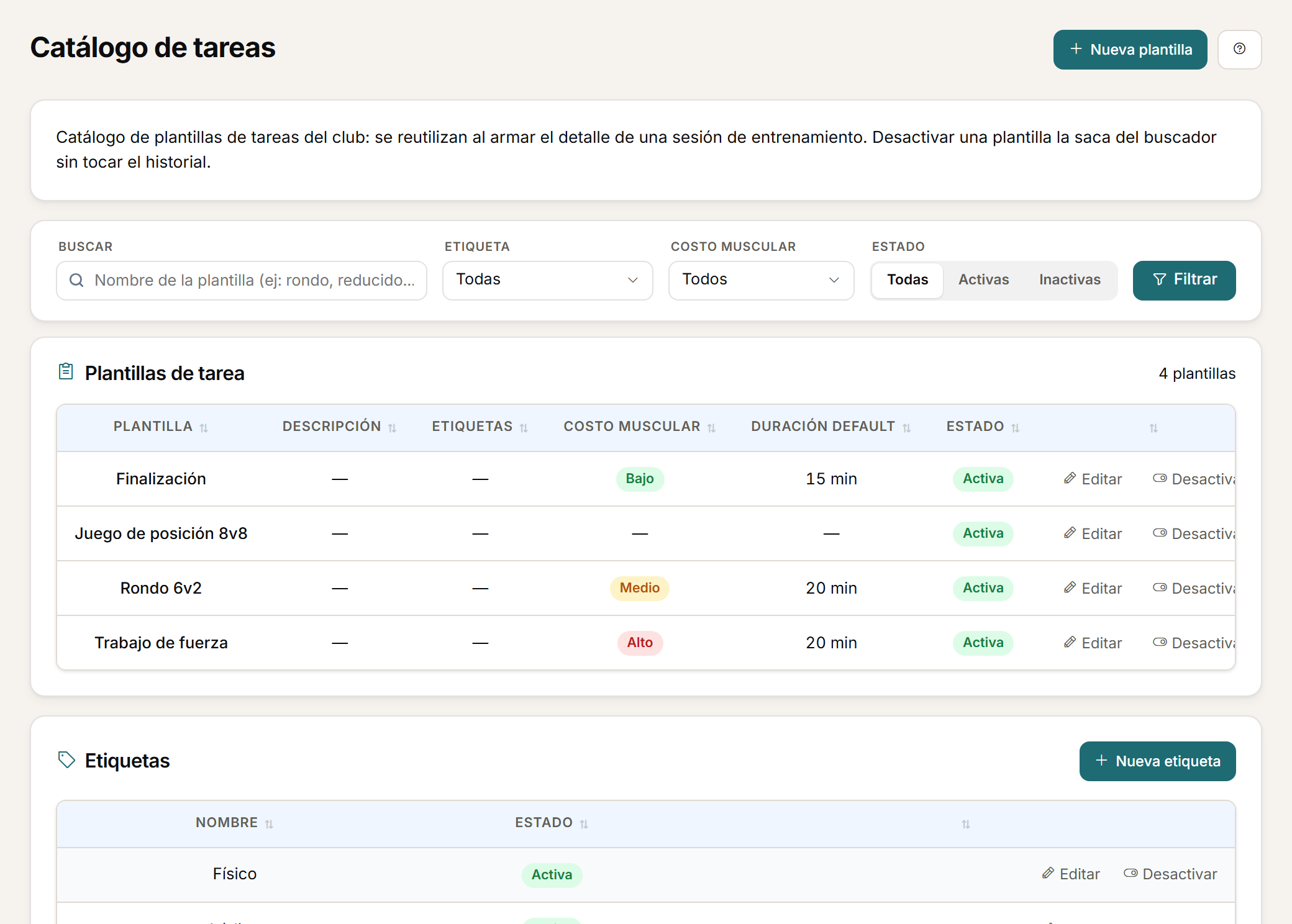
The drills you have already built stay available for the next session, organised by tags.
- Reuse drills from a library of tagged templates.
Calendar
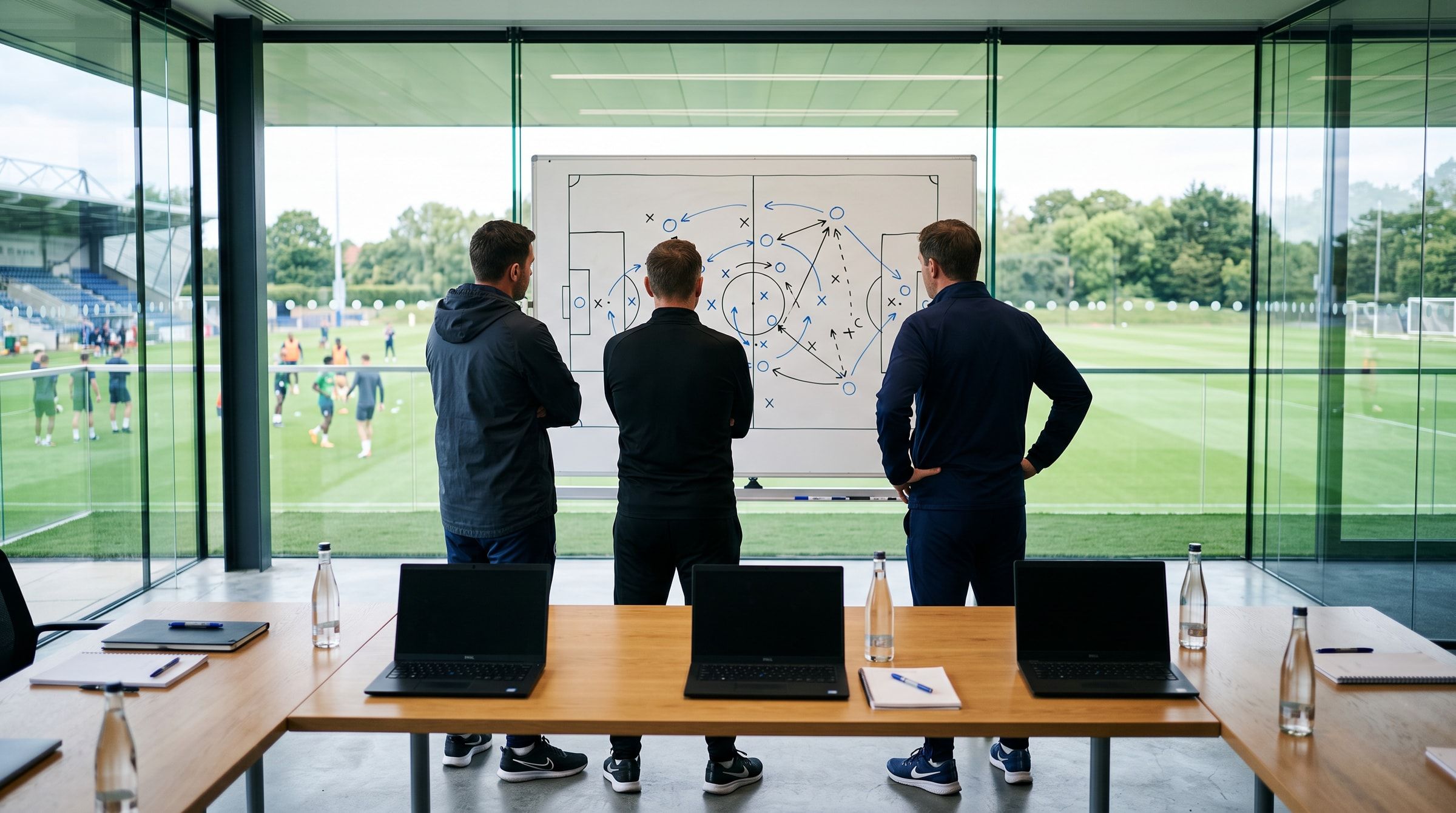
The coaching staff's calendar.
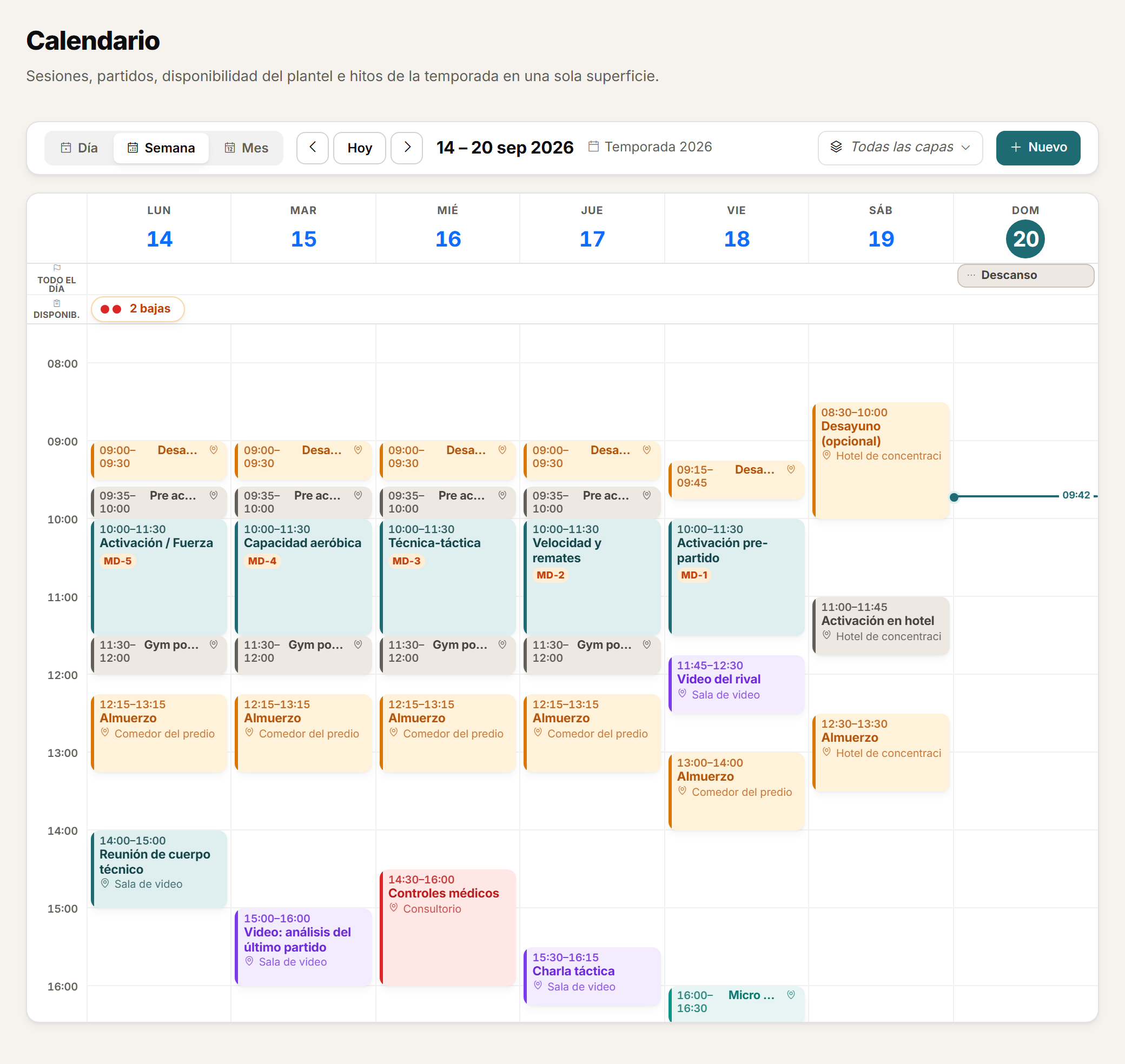
Sessions, matches, availability and events sit in a single view, with as much detail as the day needs.
- Check sessions, matches, availability and events in a calendar with daily, weekly and monthly views.
- Create events for the whole squad or for specific roles, and duplicate planning days when you need to.
Matches
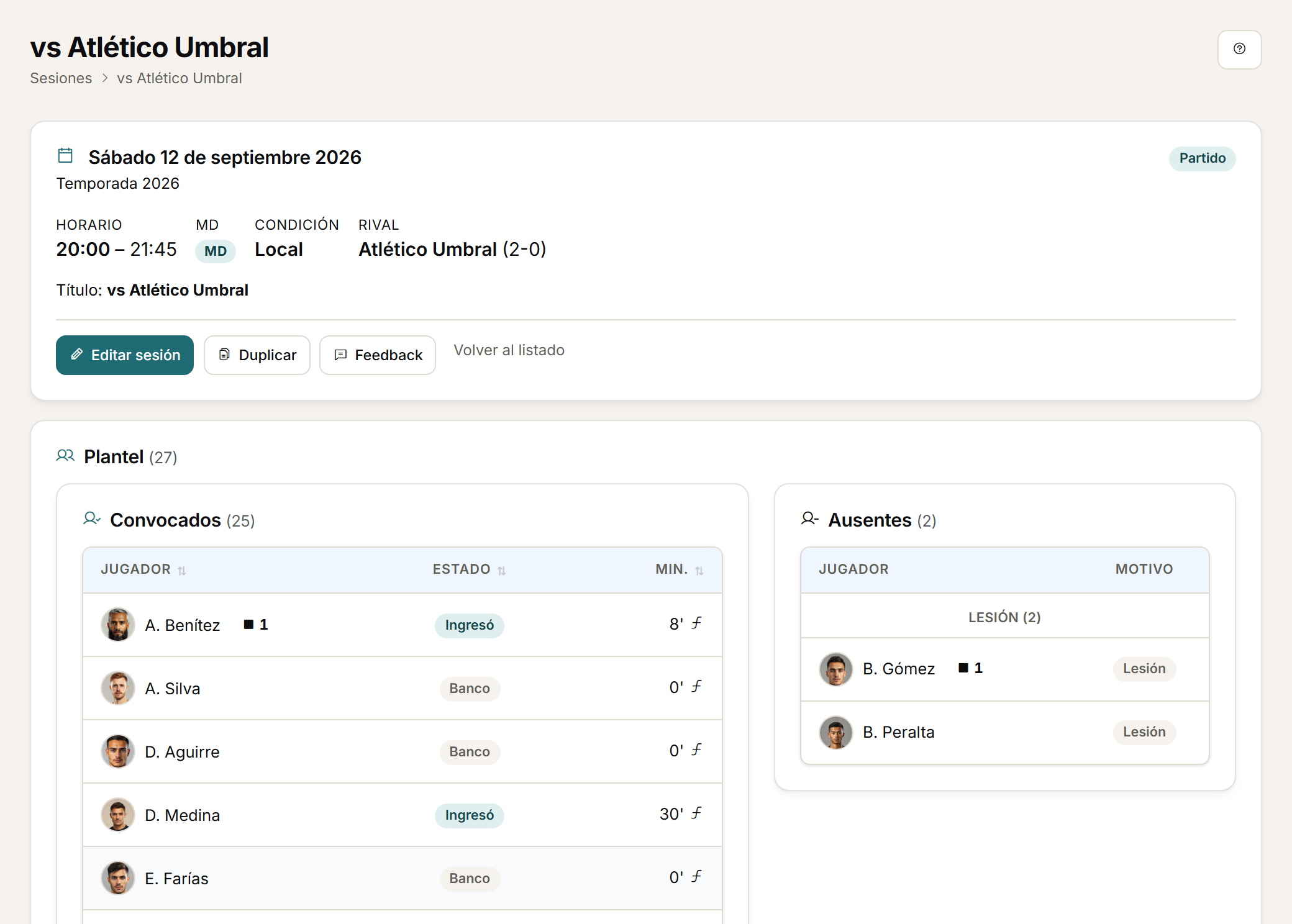
Matches, in their sporting context.
A match is another session, but with its own context: opponent, competition and result, with the same GPS behind it.
- In matches, GPS links to opponent, competition, result, periods and match events.
- You can upload GPS data for the whole session, a training drill or a match period.
Personalised demo
Request a demo with your data.
Send us a CSV exported by your GPS and tell us how you calculate load today. The demo is built on that: your metrics, your thresholds, your microcycle.
Request a demo with your dataOr watch the two-minute tour first
No form needed to see the product. For the demo, an email or a WhatsApp message.
The product interface is currently in Spanish.
What happens next
- 01
You write to us on WhatsApp or email.
Tell us about your club and what you would like to see first.
- 02
We prepare the demo with your data.
We build it on your own GPS CSV and how you calculate load.
- 03
A video call with your staff.
About 45 minutes, with room for every question.