Wellbeing
How the player arrives, tied to what they did.
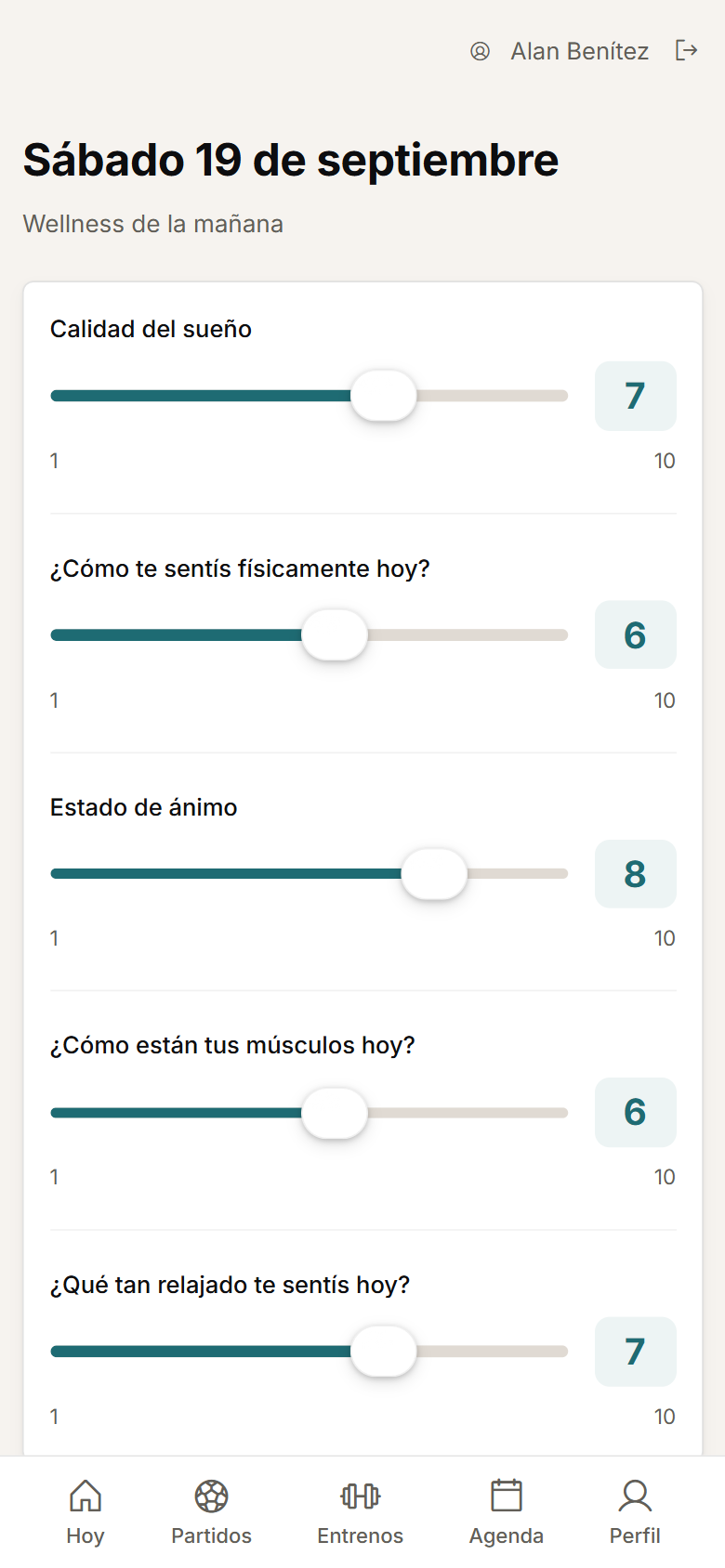
Configure daily wellness with numeric or single-choice questions and visual thresholds.
Daily wellness
How the player completes their wellness.
Wellness is completed before training, from whichever device the player has to hand. Staff keep the option to enter or correct it according to their role.
- The player completes their own wellness from their phone, and staff can enter or correct records according to their permissions.
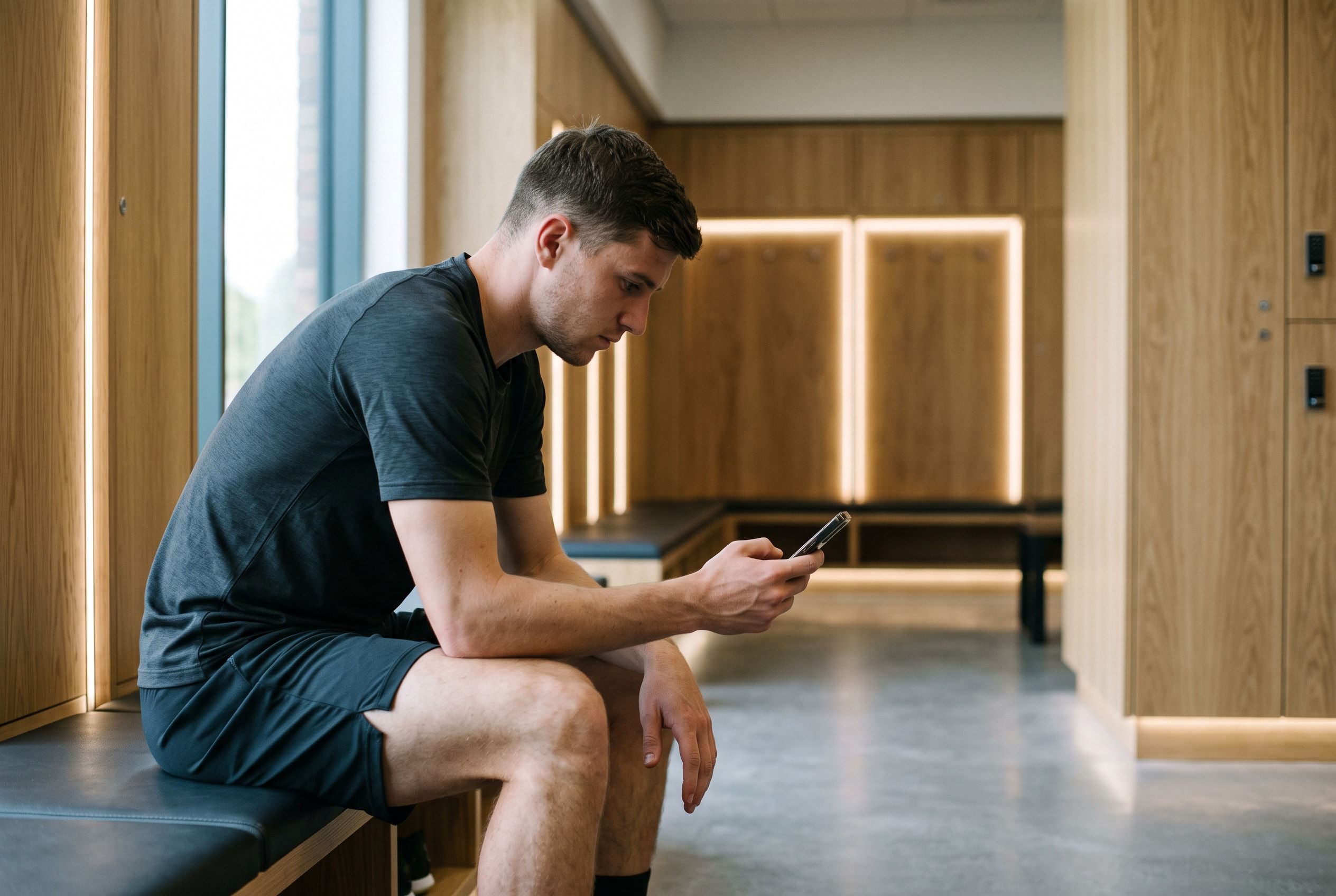
- Wellness or feedback can also be completed from a shared changing-room tablet, limited to the selected day or session.
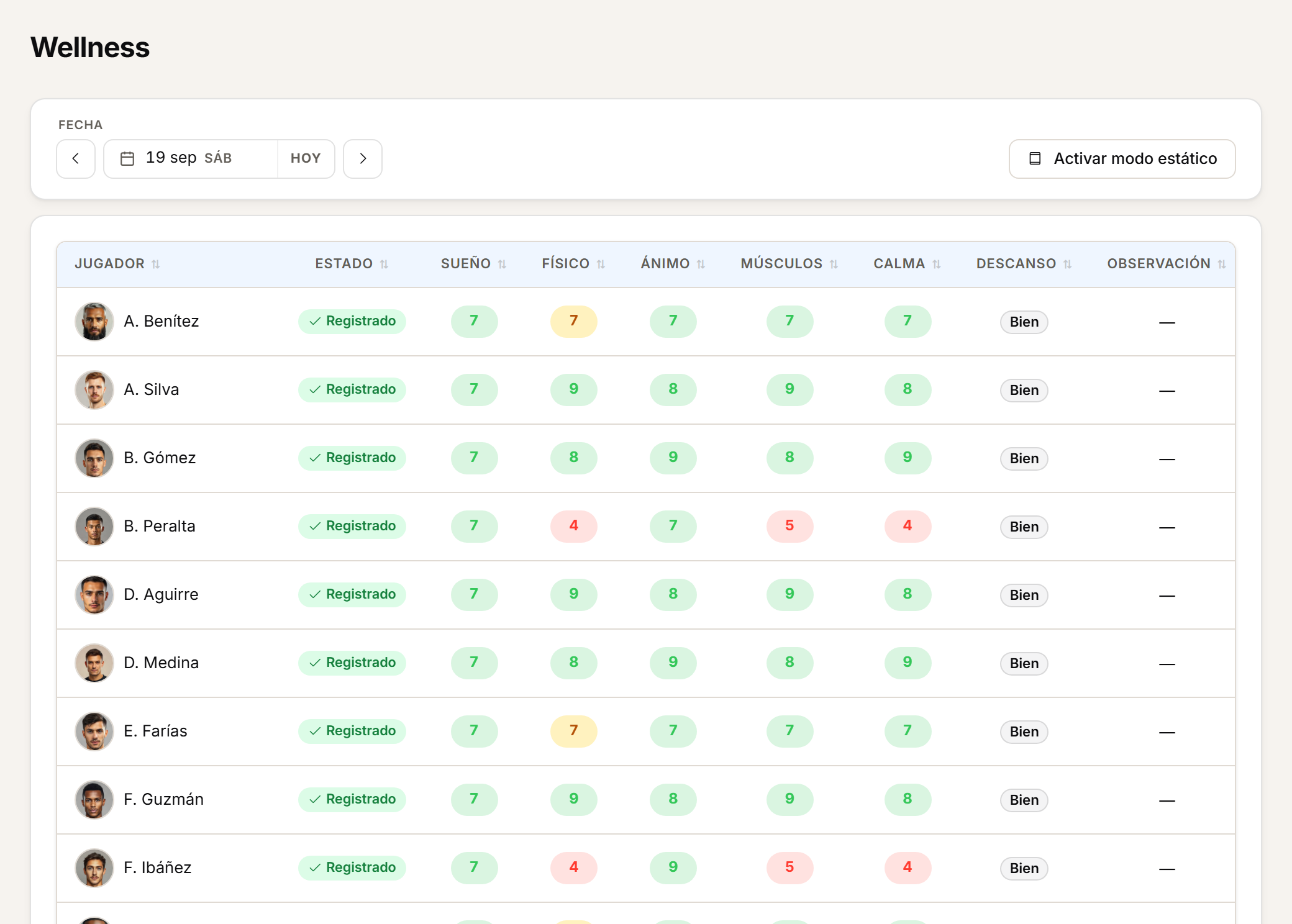
The staff view
What staff see every morning.
Every question carries its own visual threshold, and the history is visible for the whole squad. None of this replaces professional judgement.
- Numeric or single-choice questions, with visual thresholds.
- Daily tracking, history and visual alerts help spot responses that need attention.
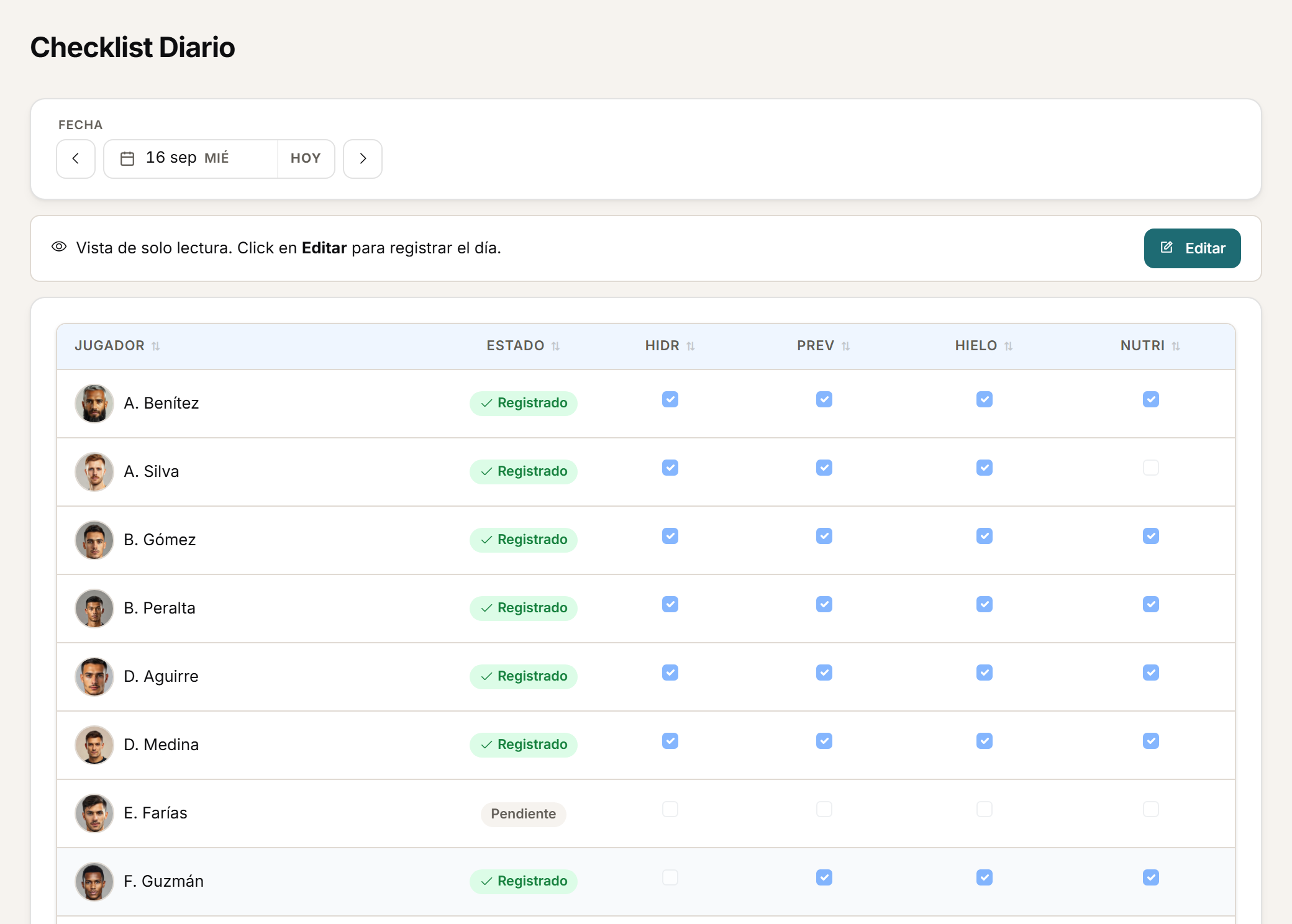
Checklist
Daily compliance, in a grid.
Hydration, prehab care and nutrition for the squad are recorded in a single editable grid, day by day.
- The daily checklist lets staff record squad compliance from an editable grid.
- Staff complete it, not the player.
After the session
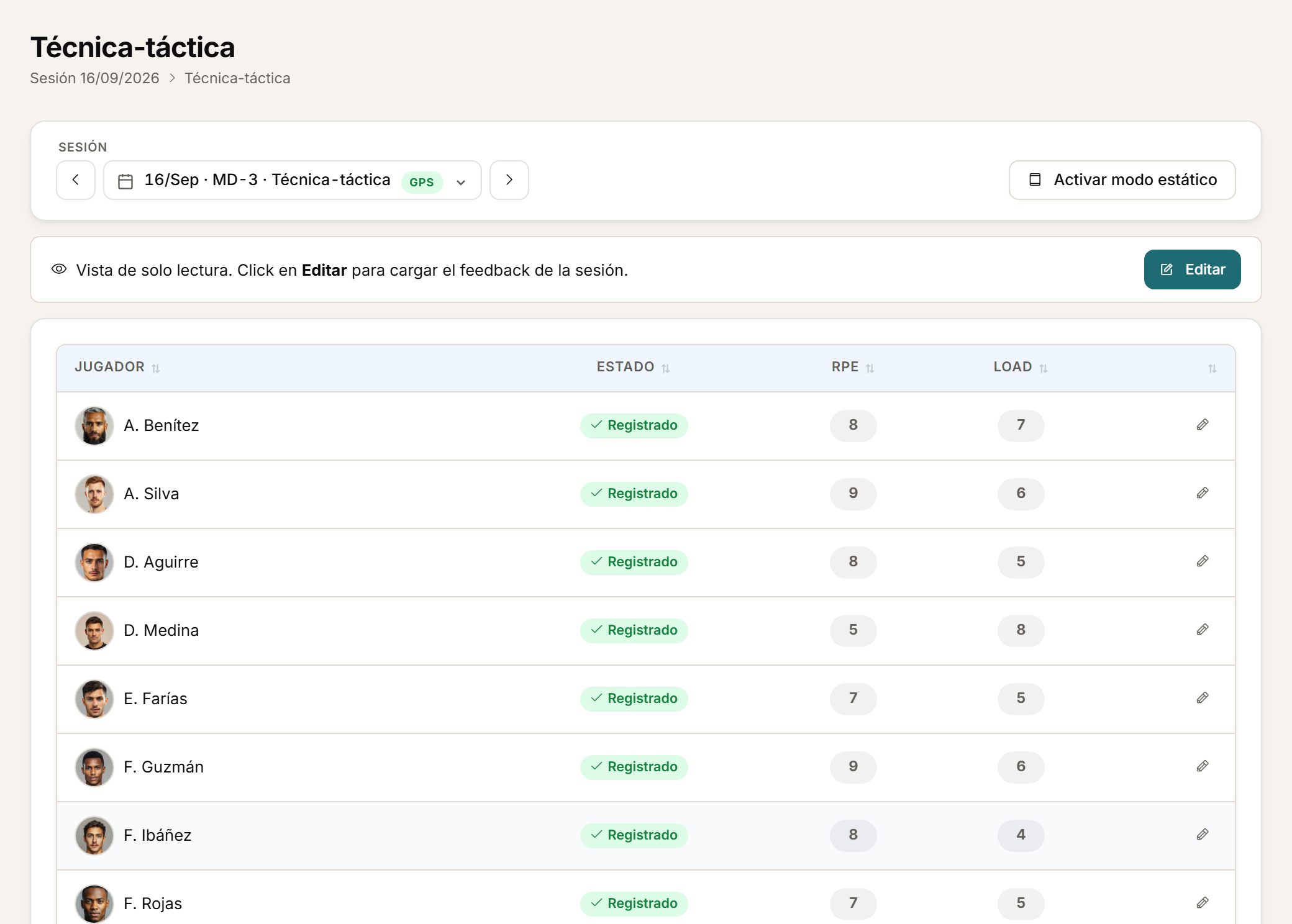
Feedback and RPE after the session.
Every session closes with the player's RPE and the rest of their feedback. Staff keep the option to enter responses in bulk when they need to.
- After a session, the player can log RPE and other feedback questions.
- Staff can also enter responses in bulk.
In load monitoring
Wellbeing, next to the load.
Wellness does not live on its own: it shows up next to the physical indicators, on the same screen staff use to decide.
- In load monitoring, staff can check wellbeing and availability context alongside the physical indicators.
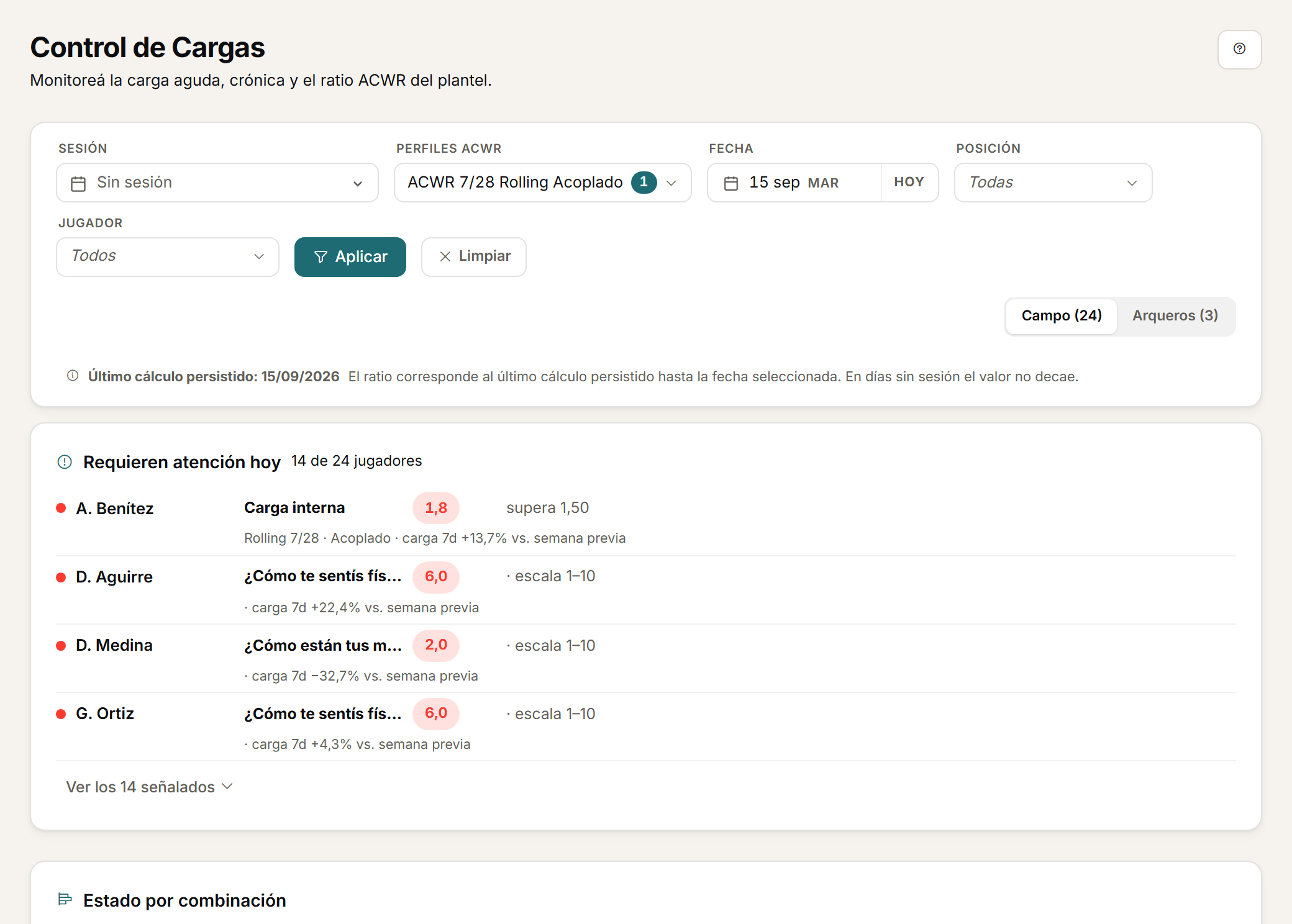
A visual alert is a prompt to look closer, not a clinical conclusion.
Frequently asked questions
About wellness and feedback.
Does the player complete wellness alone, or can staff enter it?
The player completes their own wellness from their phone. Staff can also enter or correct records according to their role's permissions.
Are wellness alerts a diagnosis?
No. They are monitoring alerts that flag responses to review; they do not replace professional judgement.
Who fills in the daily checklist?
Staff complete it from an editable grid, not the player.
Personalised demo
Request a demo with your data.
Send us a CSV exported by your GPS and tell us how you calculate load today. The demo is built on that: your metrics, your thresholds, your microcycle.
Request a demo with your dataOr watch the two-minute tour first
No form needed to see the product. For the demo, an email or a WhatsApp message.
The product interface is currently in Spanish.
What happens next
- 01
You write to us on WhatsApp or email.
Tell us about your club and what you would like to see first.
- 02
We prepare the demo with your data.
We build it on your own GPS CSV and how you calculate load.
- 03
A video call with your staff.
About 45 minutes, with room for every question.