Coaching staffs
Every role, with the access it needs.
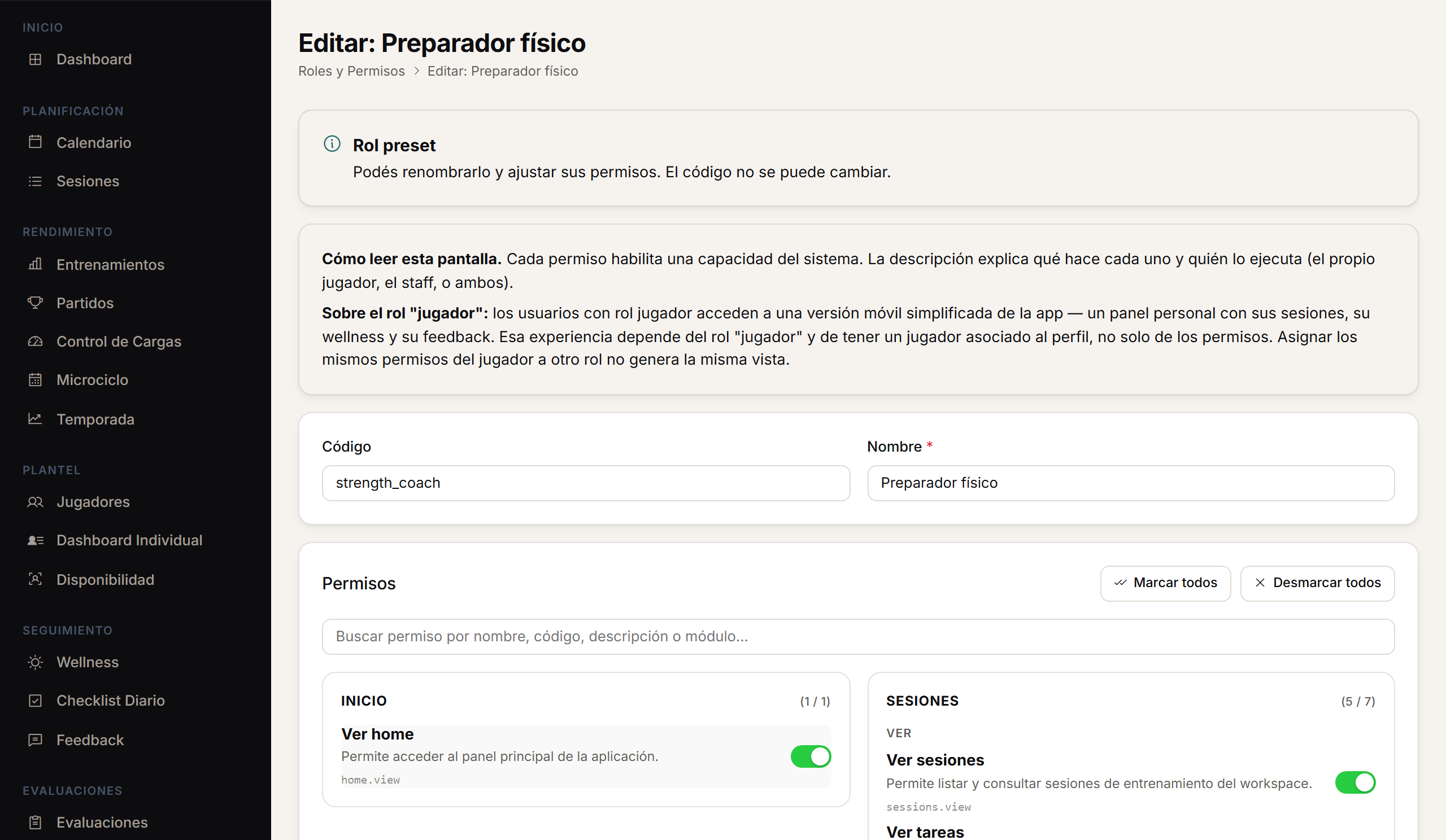
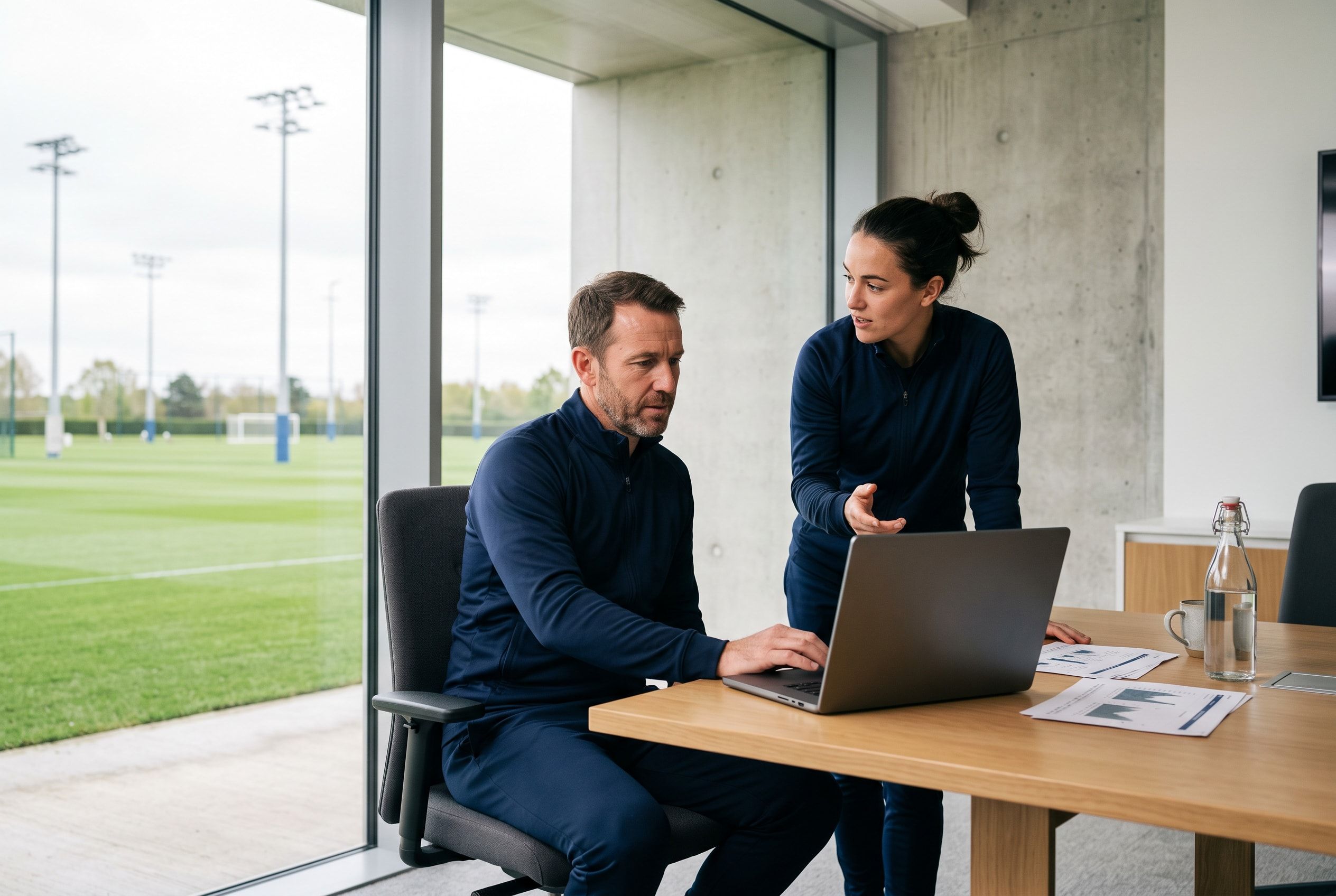
Performance staff, the coaching staff and medical staff can work on the same player history, with access configured by role.
A day with Athlo.
01
Before training
Every professional sees the checklist and the wellness that match their role.
02
The session
Events are created for the whole squad or for specific roles.
03
Afterwards
Assessments are logged by template, individually or in bulk.
04
The read
The squad heatmap summarises results by player and metric for the whole department.
Checklist
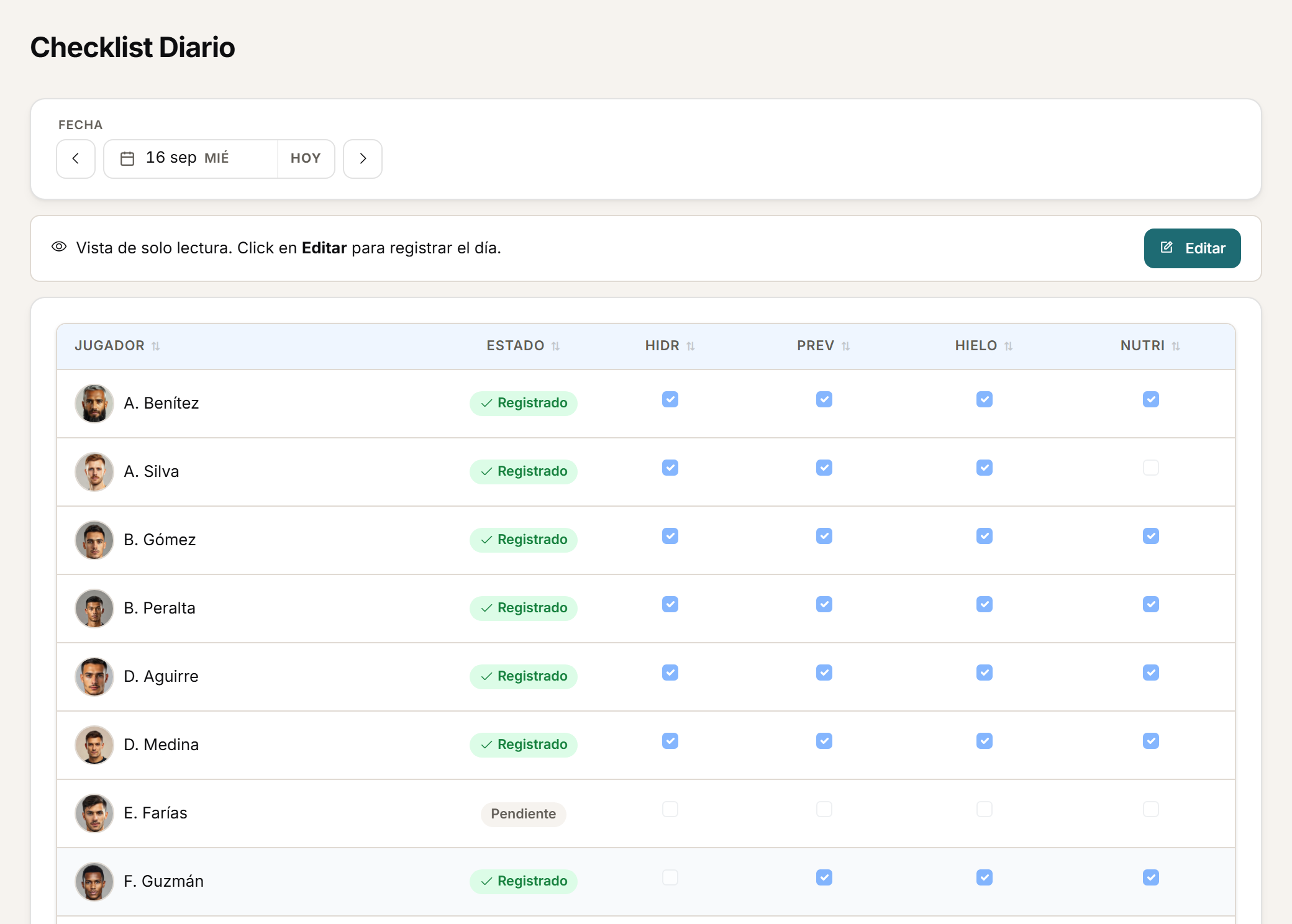
Daily compliance, in a grid.
The daily checklist lets staff record squad compliance from an editable grid.
Assessments
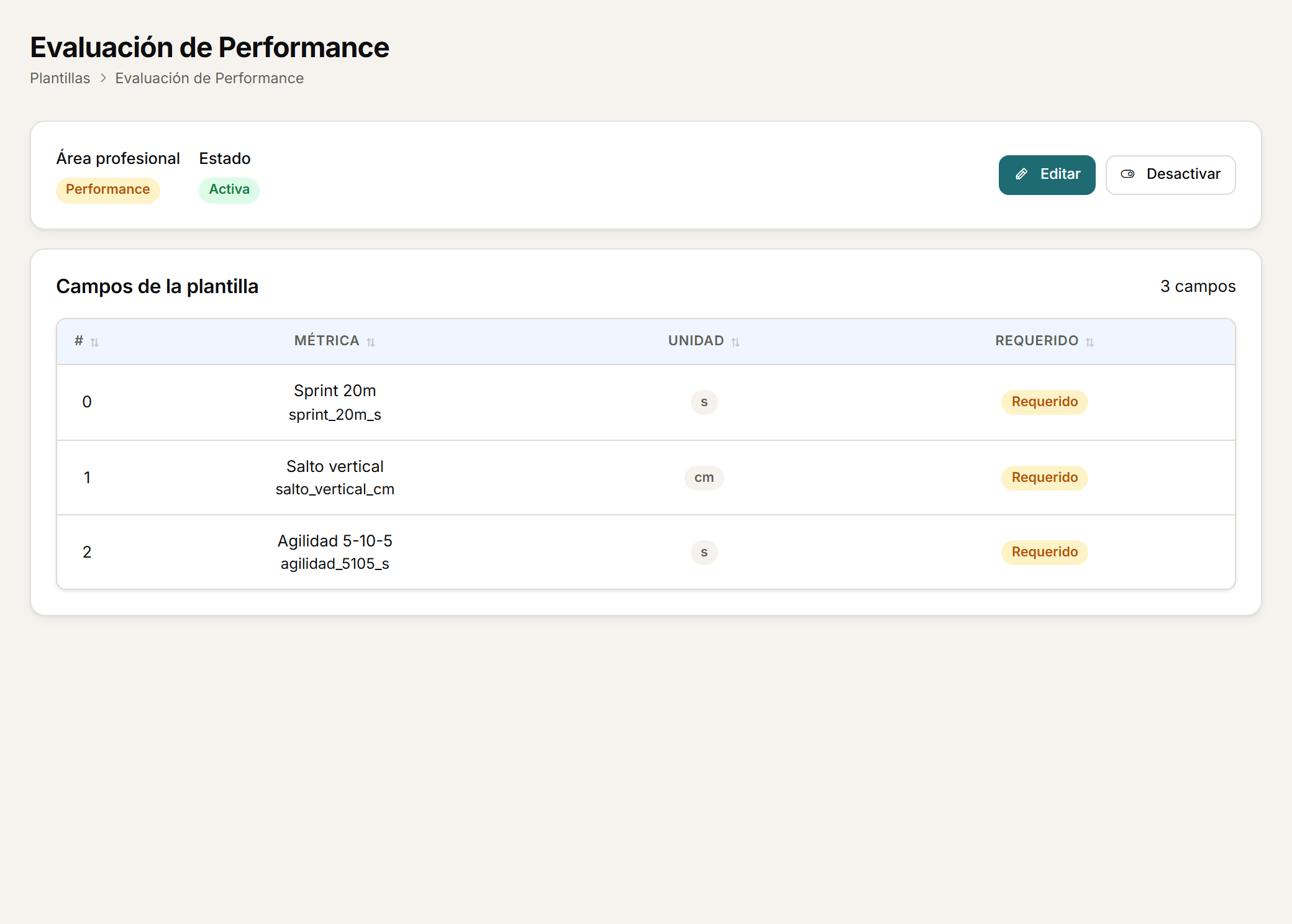
One template per discipline.
Create templates by professional area and define the metrics each discipline needs.
Group reading
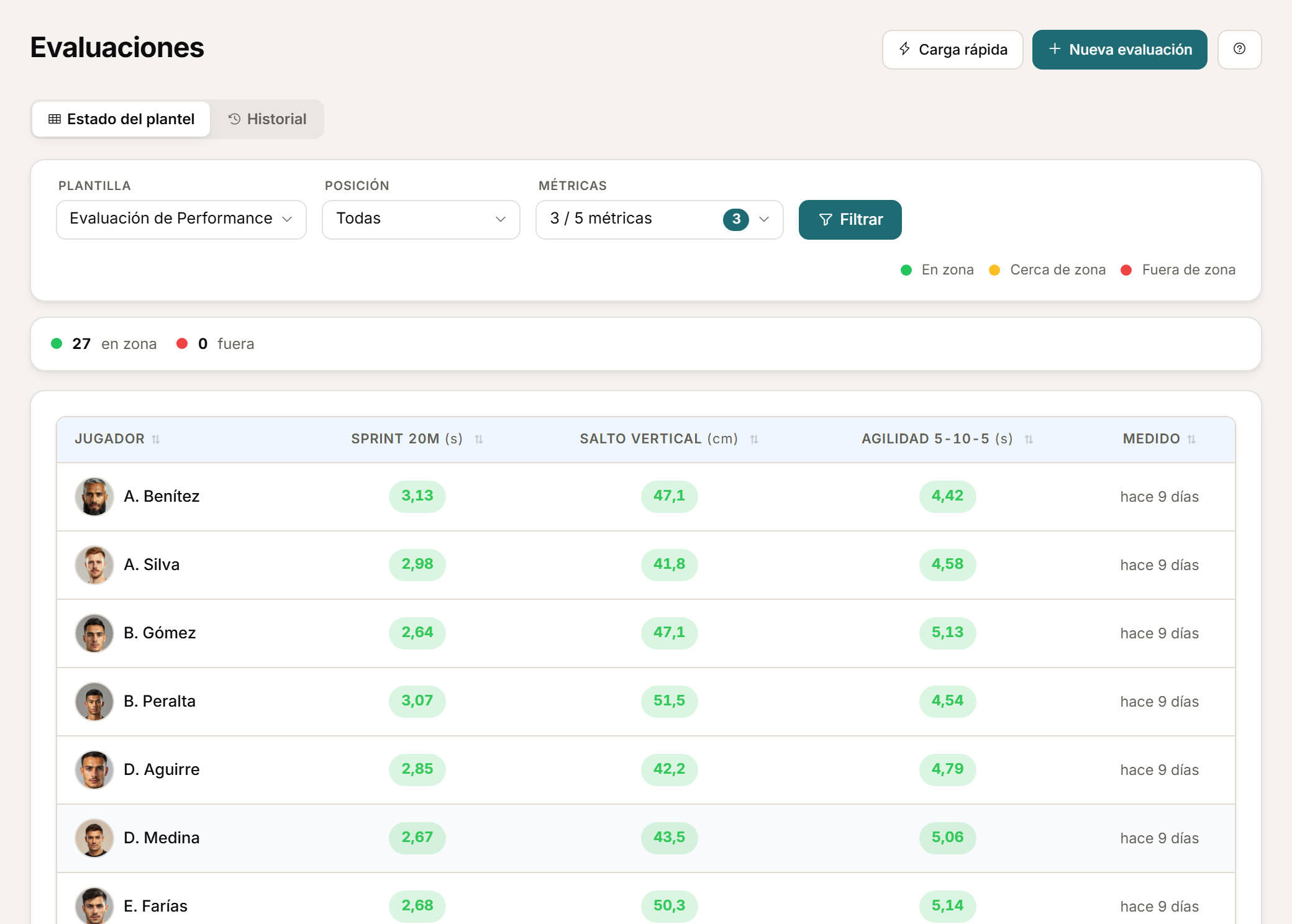
The squad, at a glance.
The squad heatmap summarises results by player and metric, to make group reading easier.
Calendar
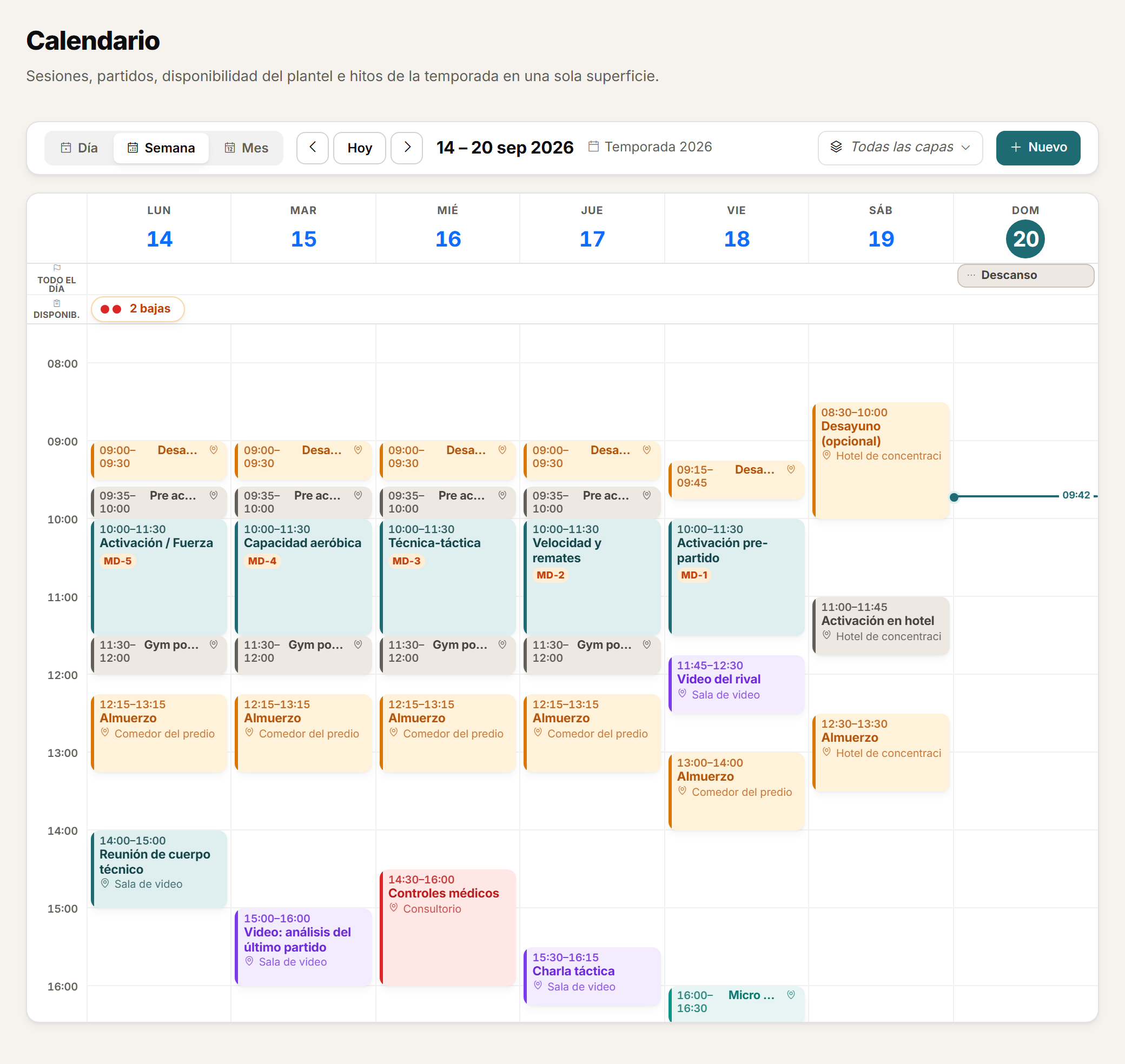
Events for the squad or by role.
Create events for the whole squad or for specific roles, and duplicate a planning day when you need to.
Roster
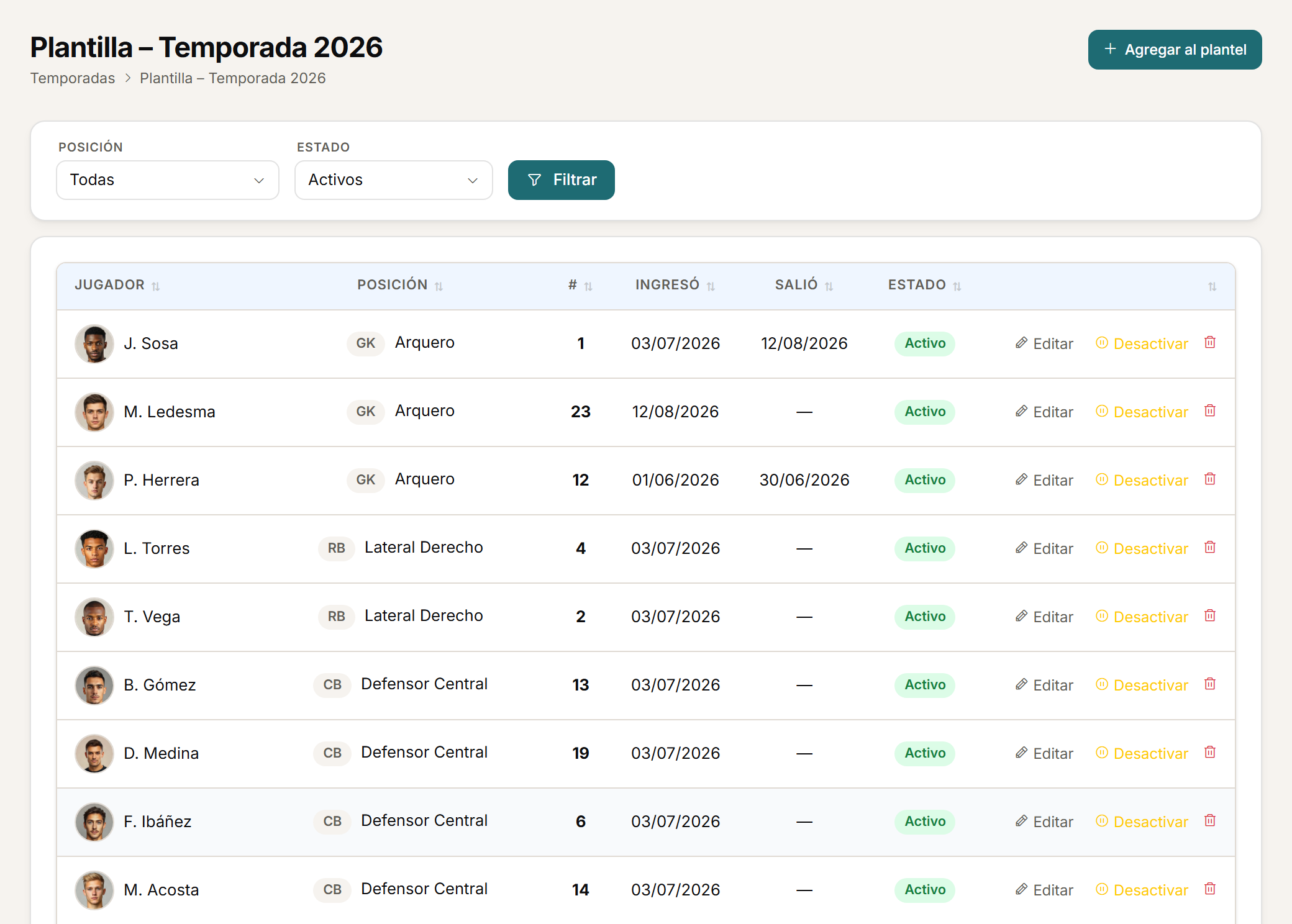
The season's roster, shared.
The season's roster stays available to every enabled role, inside the same player history.
Each professional accesses the modules enabled for their role. A club administrator configures that access; it is not automatic clinical governance.
FAQ
Before you request a demo.
Who completes the daily checklist?
Staff complete it from an editable grid; players do not fill in the checklist.
Does the heatmap rank players from best to worst?
No. It is a visual comparison of results by player and metric, not a ranking or a diagnosis.
Does every role see every module?
No. Each professional accesses the modules enabled for their role; an administrator configures that access, and some new permissions require manual assignment.
Personalised demo
Request a demo with your data.
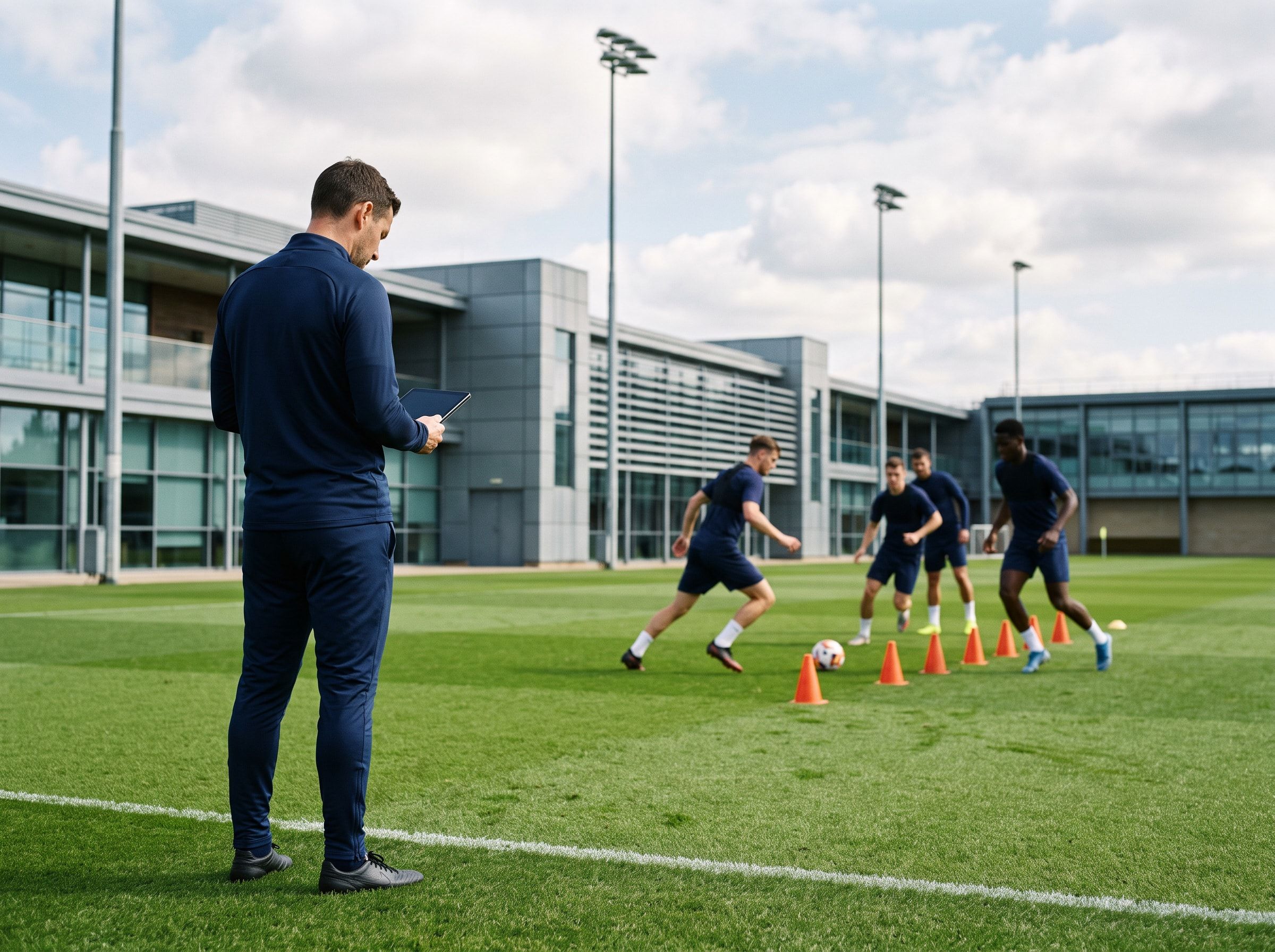
We will show you roles, permissions and assessments configured around your coaching staff's real structure.
Request a demo with your dataOr watch the two-minute tour first
No form needed to see the product. For the demo, an email or a WhatsApp message.
The product interface is currently in Spanish.
What happens next
- 01
You write to us on WhatsApp or email.
Tell us about your club and what you would like to see first.
- 02
We prepare the demo with your data.
We build it on your own GPS CSV and how you calculate load.
- 03
A video call with your staff.
About 45 minutes, with room for every question.